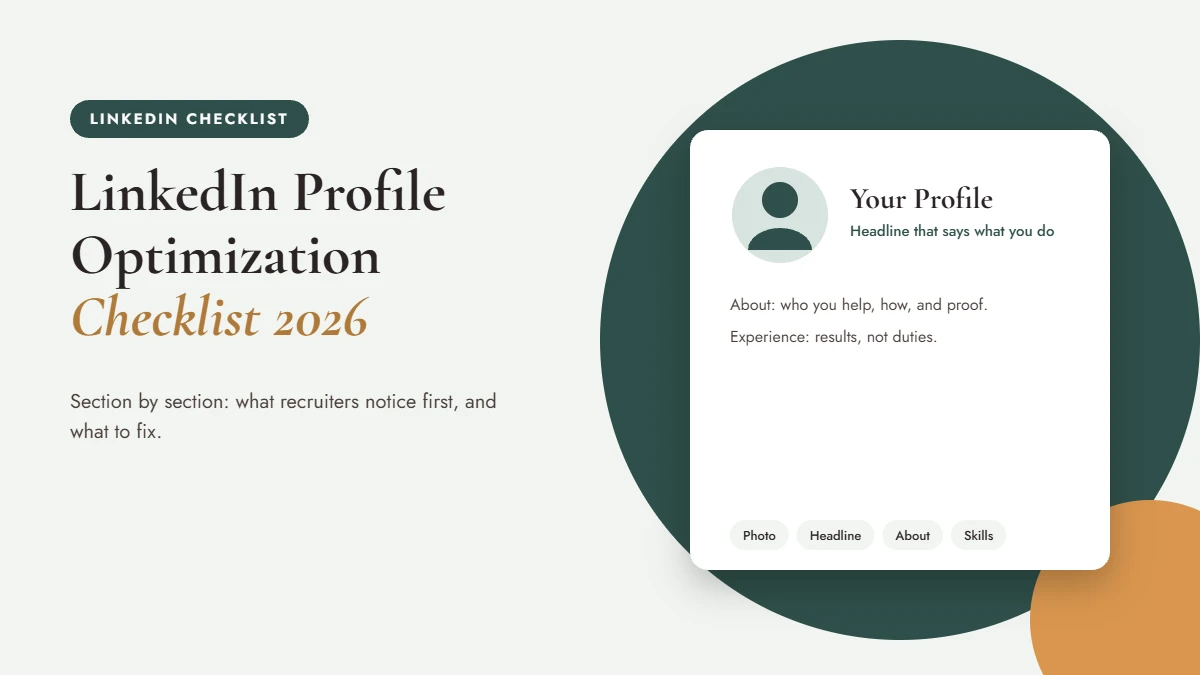
What does LinkedIn profile optimization actually mean? It’s improving each section of your profile, so the right recruiters find you in search, understand your value in seconds, and feel confident reaching out. This checklist walks you through every section, then helps you decide what to fix first.
A quick definition: in LinkedIn terms, your headline is the line under your name, and your About section is the summary near the top of your profile. They’re your two most valuable pieces of real estate.
The LinkedIn Profile Optimization Checklist
Photo and banner
- Recent, well-lit photo where your face fills most of the frame. More in is your LinkedIn photo helping or hurting?
- A banner that reinforces what you do, not a default background. Here’s why a strong cover image matters.
Headline
- States your role or target role, your specialty, and the value you bring.
- Uses words recruiters actually search for. My full guide: how to write a LinkedIn headline.
Custom URL
- Clean and readable, ideally your name. Here’s how to customize your LinkedIn URL.
About section
- Opens with who you help and how, not “I am a results-driven professional.”
- Includes two or three specific results and ends with an invitation to connect. See how to write your LinkedIn About section.
Experience
- Each role has a short description plus results, not a pasted job description.
- Your most recent roles are the most detailed.
Skills
- Relevant skills for your target roles, with your top ones pinned. Here are the best skills to put on LinkedIn by career stage.
Activity and settings
- Some recent activity: a comment, a share, a post. It shows you’re engaged.
- Settings checked so you can make updates quietly; here’s how to refresh your profile without alerting your employer.
RULE: Your headline is your handshake. It shows up in search results, comments, and invitations, so it does more work than any other line on your profile.
Which Fixes Should I Make First?
| If you have… | Fix first | Why |
|---|---|---|
| 15 minutes | Headline and photo | They appear everywhere |
| An hour | About section | It’s where people decide to reach out |
| An afternoon | Experience and skills | They support search and credibility |
| Ongoing | Activity and engagement | Visibility compounds over time |
For the engagement piece, my five-part series starts with LinkedIn engagement, step 1. And if you’re wondering whether to pay for Premium, read do you need LinkedIn Premium?
Want an expert to look at your materials? Start with a free resume review; your resume and LinkedIn should tell the same story.
Should I Do This Myself or Hire Help?
Do it yourself if you’re comfortable writing about yourself and have a clear target. Consider help if you’re changing direction, stepping into leadership, or have stared at a blank About section for weeks. My LinkedIn profile optimization service starts from $179 with a resume order (see rates). If you’re comparing options, here’s LinkedIn profile writer vs. DIY.
For a recruiter’s-eye view, the LinkedIn Talent Blog is useful. SHRM’s recruiting resources show how employers source candidates, and Harvard Business Review’s career planning articles help with the bigger picture.
Frequently Asked Questions
What is LinkedIn profile optimization?
LinkedIn profile optimization means improving each section of your profile, including your photo, headline, About section, experience, and skills, so the right people can find you in search and quickly understand your value.
What is the most important part of a LinkedIn profile?
Your headline and photo, because they appear everywhere: in search results, comments, and connection requests. Together, they decide whether someone clicks to learn more.
How many skills should I list on LinkedIn?
List the skills most relevant to your target roles and keep your top ones pinned. Quality and relevance matter more than quantity.
Should my LinkedIn match my resume?
They should tell the same story, but they shouldn’t be identical. LinkedIn can be warmer, written in first person, and broader than a resume tailored to one role.
Does LinkedIn Premium help with profile optimization?
Premium can be useful in some searches, but it doesn’t replace a strong profile. Optimize the free basics first.
How often should I update my LinkedIn profile?
Review it every few months and whenever your goals change. Adding wins as they happen is much easier than reconstructing them later.
Can I update LinkedIn without my employer noticing?
Yes, in many cases. Check your notification settings before making big changes so your network isn’t alerted to every edit.
The short version
- Fix your headline and photo first; they appear everywhere.
- Write an About section that says who you help, how, and with what results.
- Show results in experience and pin relevant skills.
- Stay active so recruiters see you’re engaged.
Make Your Profile Work as Hard as You Do
A strong LinkedIn profile brings opportunities to you. Start by making sure your resume and LinkedIn tell the same story: get a free resume review, and I’ll send you the five changes I’d make first.